Projects
A project is a URL under test plus everything the agent learns about it — its map, findings, test plans, and memory.
A project is the unit of work in Agentiqa. It pairs the URL of the app you're testing with everything the agent accumulates about it over time: its model of the app, findings, saved test plans, and project memory. These guides apply equally to the web app and the desktop app — both render the same features.
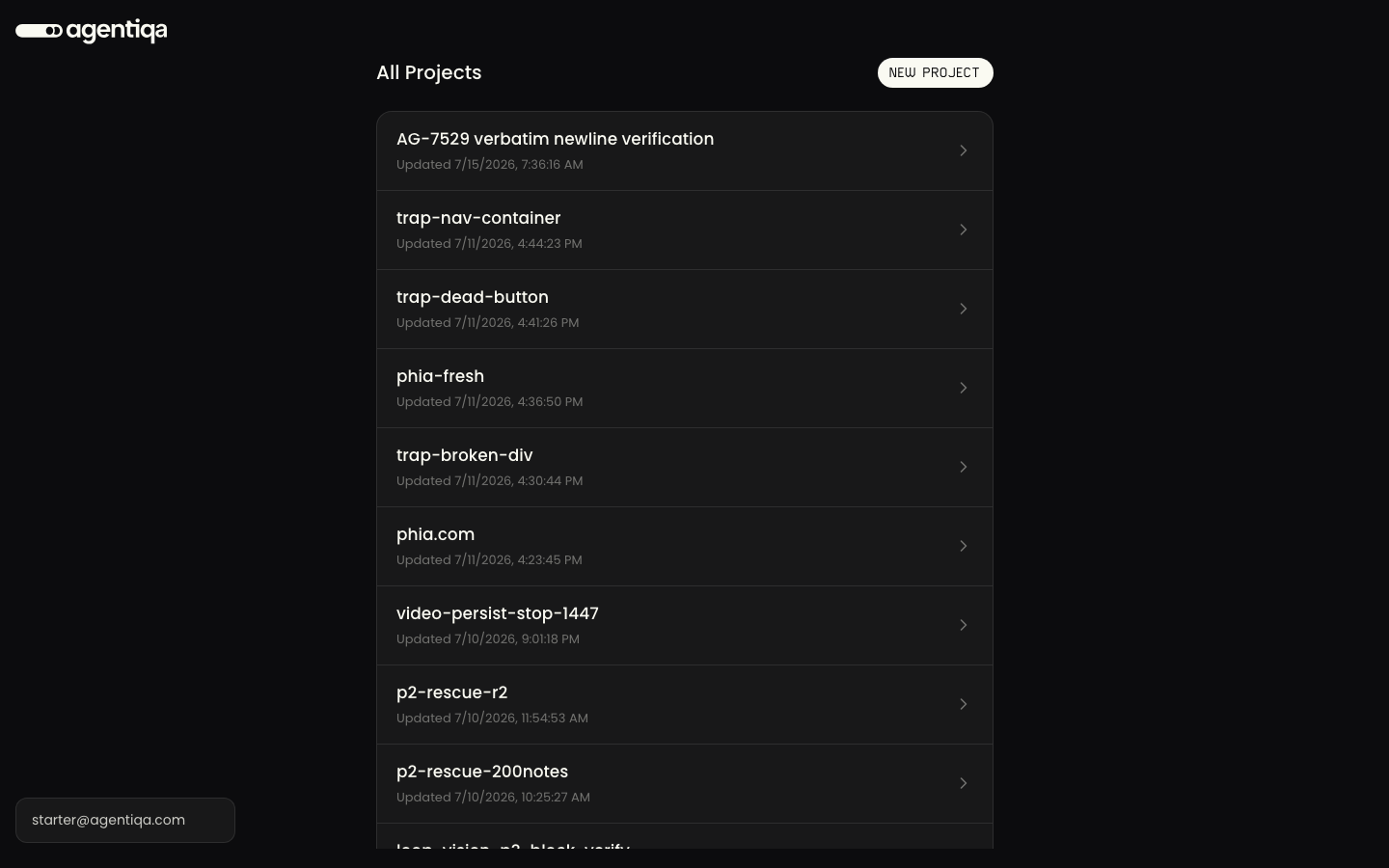
Create a project
Create a project by entering the app's URL and a name. That URL becomes the project's default target, so later runs don't need you to re-enter it.
What a project holds
- The Assistant — the agent's chat surface for this project. See Assistant.
- Test plans — saved, replayable plans. See Test Plans.
- Runs — the history of executions and their per-step results. See Runs.
- Issues — confirmed and draft findings. See Issues.
- Dashboard — run outcomes and pass/fail trends across all this project's test plans. See Dashboard.
- Settings — project configuration, credentials, and CLI service keys. See Settings.
Working as a team
A project starts out private to the person who created it. On the Company plan its owner can share it with the whole organization — everyone then runs and edits the same test plans, with every run and edit attributed. See Team projects, and Shared accounts for signing in without passing passwords around.
The agent's evolving model
Agentiqa builds a structured QA model of each project that persists across sessions — a map of the app's surfaces, entities, and flows, plus a journal of what was tested and how deeply. On a return visit the agent already knows the app and skips re-discovery, so you don't re-explain. Human context the agent can't discover on its own (test credentials, environment quirks) lives in project memory, which is only written when you explicitly ask it to remember something.